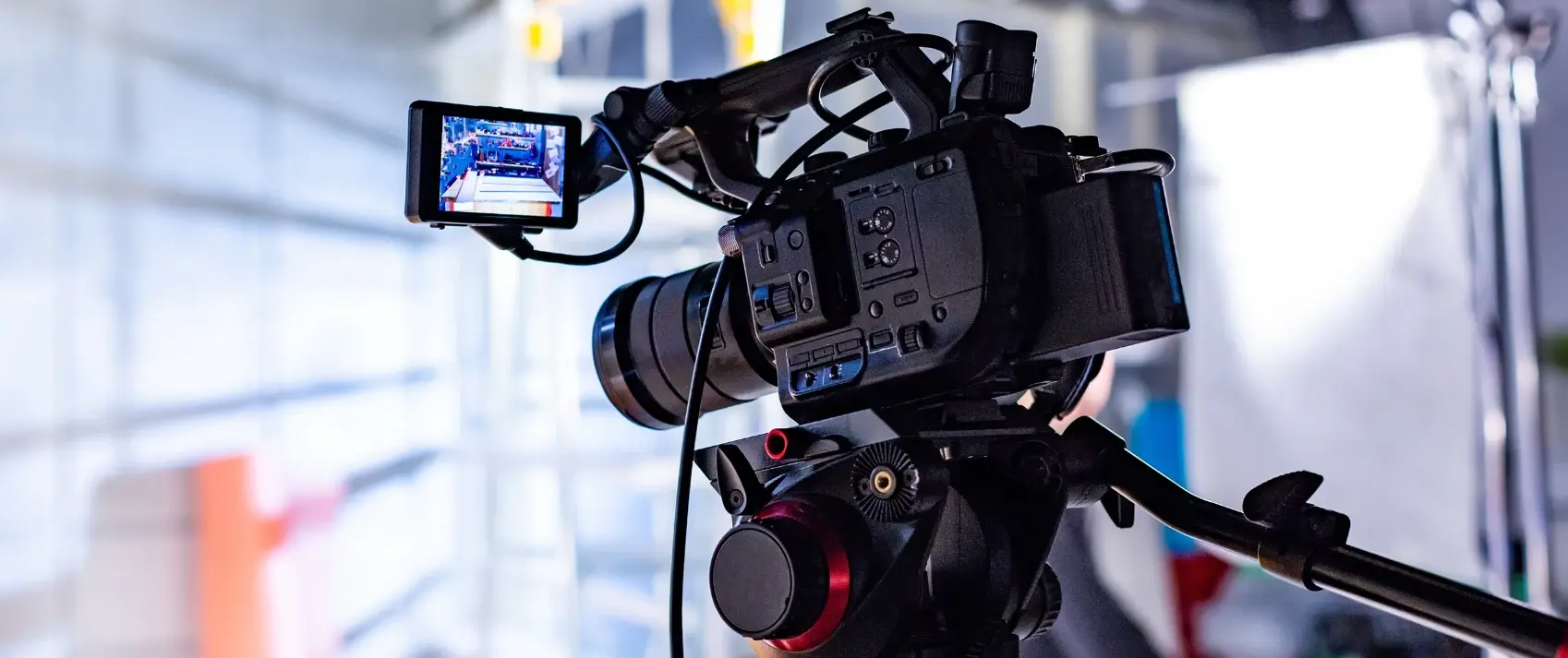
Are you planning a video shoot for your company? If so, fantastic! Video, especially short-form video, is one of the fastest-growing ways to communicate with and engage your audience today.
Whether you are a DIYer shooting video yourself or have an outside videographer coming in to shoot, make these quick checks to ensure you capture the best video possible and production day runs smoothly.
1. Scope Out the Video Location
Vet out the location of your shoot before the camera rolls. Have a few options in mind that make sense for the goal of your shoot. For example, you may want to show production areas for b-roll, or you may want a clean office background for interviews. Do a walk-through of each to uncover which one(s) would be best. Your shoot location should check these boxes:
- It shows the company in the best light.
- It’s clean and organized. (Or can be prior to the shoot.)
- The walls, wall hangings and background are not distracting.
- The space does not contain anything the company wouldn’t want competitors to see.
- It has enough room to move around and set up cameras properly. You want a space that has some depth so you can create contrast between the person on camera and the background.
- It has natural light or can be lit appropriately. (Find more on lighting below.)
- It’s a space where you won’t get any unwanted interruptions, distractions or interference, such as a ringing phone, an air vent, street traffic, echoes or ambient noises. (Find more on sound below.)
- It helps establish familiarity with your brand, product or service, or showcases expertise.
- It is interesting, but not distracting. Don’t set up a video interview in front of a plain wall, which shows no personality and gives no insight into your company. Position yourself where you can see desks or machinery behind you. Depth is good! Just make sure the space isn't too distracting.
If you have concerns about the space, test it out on camera first. Once you have decided on the best location, camera placement and where people on camera should be, use tape to mark the floor so you can easily set up on the day of the shoot.
2. Test Props
Will there be props in your video, such as a product, piece of machinery or even a staff member performing a task? Props can be a valuable addition to reinforce a message - but beware, they can cause havoc the day of the shoot! Prep for prop success with these tips:
- Pick the right props. Are they part of the video strategy? Do they reinforce the message? If not, they may not be worth adding to the shoot.
- Do they work properly?
- Are they clean?
- If someone will be using them, are they properly trained in how to use them?
- If someone will be using them, are they aware of how they will appear on camera and how they need to prepare? For example, will their hands be shown? Should they remove rings or get a manicure?
- Are there any safety guidelines that must be followed with the prop?
- Is the videographer aware of the props you plan to use and when?
Make a list of any props you plan to use on production day. Have the props out and ready to go prior to the shoot.
Related: How - and why - to start using video for your business >>
3. Ensure the Video Sound is Solid
Test it! Run a test shoot to make sure the sound is clear and there are no background noises. Bad audio is the fastest way to get people to turn a video off. You also don’t want to spend a day shooting, only to discover afterward that the sound is terrible. While minor sound issues can be fixed in post-production, it's much easier to make sure everything sounds good in the first place. Here are tips to help test sound:
- Stand in your location with your eyes closed for 30 seconds to get a good sense of how the room sounds. Listen for ringing phones, street traffic, people upstairs or in the next room, noisy vents, etc.
- When testing on camera, ensure the sound is clear with no echo from within the room.
- Take into consideration any unexpected noise interruptions, such as someone opening a door, a computer or machine alert, or an intercom system.
- If someone is talking or being interviewed, use a lavalier microphone that can clip onto the person’s collar. This will help pick up the person’s voice and keep unwanted noise to a minimum.
- Keep in mind that outdoor video shoots present more challenges with audio due to wind noise and other background sounds. Move interviews indoors, if possible, or plan to shoot outdoors for portions of the video that won't require sound.
4. Natural Lighting is Best
Try to use natural lighting whenever possible to create a warm, organic feel with shape-defining shadows and highlights. However, you also want to make sure you don't have too much natural lighting, or your subjects could look washed out. Again, the best way to know this is to test it on camera. Here are some tips:
- Avoid overhead fluorescents, which often cast a pale yellow light.
- LED lights emit at a frequency that can be seen on camera, depending on your frame rate, resulting in black stripes on your video. If possible, avoid rooms with LED lighting or adjust your camera.
- Avoid any lighting that sits directly above the subject, which may cast dark shadows on the person.
- Test using lamps to add light to a shoot. Be sure they are not visible in the shoot, only adding light to the set.
- Purchase a ring light with a tripod. The inexpensive light is great for rooms with limited light or lighting challenges.
- The classic lighting setup around a subject is adding lights to the back, front and one side. Even if you don’t have an extensive lighting setup, experiment with these guidelines to get the best effect.
- Avoid shooting the subject with a very bright light or window directly behind them. They’ll appear as a black shape and be difficult to see on the video.
- Take into account each person’s skin tone and face shininess. Adjust the lighting so their faces do not seem too bright or too shiny. For people wearing glasses, either remove them or adjust the lighting so there isn't a glare.
5. Plan Your Video Day Attire
Does it matter what you wear on camera? Yes! The wrong attire can be distracting to viewers. Therefore, deliberately choose your outfit for the video shoot using these tips:
- Avoid stripes or highly detailed patterns that can be distracting to a viewer. Solid colors tend to work best.
- Avoid high-contrast clothing like a bright white shirt and bright red pants.
- Avoid an all-black ensemble, as that can cause technical lighting problems, such as the definition of your garment being lost or a “floating head” effect.
- Avoid clothing that has writing, images or icons on it unless they are company shirts specifically planned for the video shoot. If so, test out wearing the clothing in front of the camera to ensure the words or image display as you want. Otherwise, you will just create more time in editing to remove them.
- Keep jewelry and accessories simple. Adjusting a scarf or noisy bangle bracelets will be distracting.
- Wear clothing that fits appropriately, whether you’re standing or seated.
- Follow the general rule of thumb: wear clothing that is comfortable and natural-looking.
No matter how you plan your video shoot, it’s a common fallacy that you can fix any errors in editing. But you’ll save yourself time and a big headache later if you avoid the issues in the first place - trust us!
Get Started Creating Your Own Videos
Looking to develop videos in-house? We are here to train your team in delivering professional, high-quality videos that get results. You can get:
- Customized 1-on-1, team or virtual workshops with one of our business videographers
- Video strategy development
- Technical video tools coaching (camera, phone, platforms, software)
- How to get comfortable on-camera
- Best practices on filming (staging, sound, lighting, etc.)
- Professional post-production editing
Explore Video Options From Marketing Essentials >>
This blog was originally published in 2020. It was updated in 2025.